Customs Compliance Software: What to Look For?
Learn what to look for in customs compliance software, from HS code classification and regulatory updates to workflows, audit trails, and integrations.
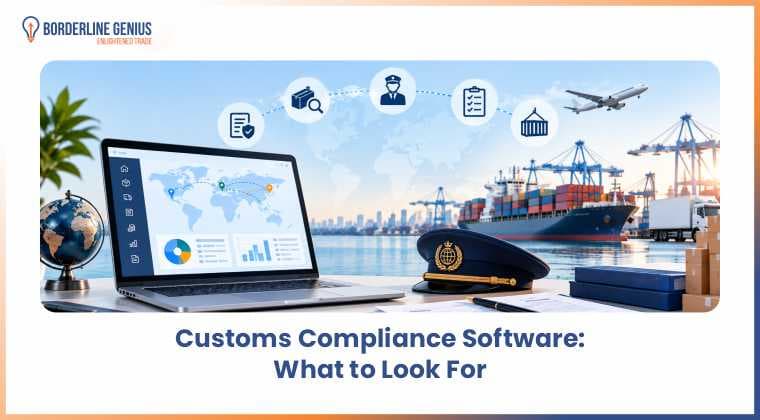
Businesses need customs compliance software when managing product classifications, tariffs, documentation, and regulatory requirements becomes difficult to control manually. The right software can help them organize customs information, standardize compliance processes, and support more consistent decision-making across international trade activities. Choosing the right platform requires businesses to assess their actual compliance needs rather than selecting it based only on the number of features offered. Classification capabilities, regulatory updates, documentation management, workflows, audit trails, integrations, and ease of use should all be considered. The right selection matters as the software for customs compliance becomes part of the organization’s daily trade processes.
What is Customs Compliance Software?
Customs compliance software is a digital tool that helps businesses manage customs requirements for importing and exporting goods. It organizes compliance information and supports processes. These include classification, documentation, regulatory checks, recordkeeping, and routine compliance reviews.
-
It can support HS code classification by organizing product and tariff information.
-
Businesses can use it to manage customs documentation and required trade records.
-
Compliance teams can monitor regulatory requirements and identify missing information.
-
The software can maintain audit records for customs reviews and internal checks.
-
It can help standardize compliance workflows across products, shipments, and markets.
Why is Customs Compliance Software Important?
For organizations, customs compliance software is important because it helps them manage customs requirements consistently and improve compliance management. By organizing compliance information and workflows, it can support accurate decisions, timely documentation, and better control over customs-related activities.
-
It can reduce manual work involved in managing recurring customs compliance tasks.
-
Compliance teams can use centralized records to maintain consistent customs information.
-
Automated checks may help identify missing or inconsistent data before submission.
-
Businesses can track compliance activities more systematically across shipments and products.
-
Organized records can make internal reviews and customs audits easier to manage.
What to Look for in Customs Compliance Software?
A business should evaluate customs compliance software based on how well it supports accurate, consistent, and manageable customs processes. Ease of use is one important criterion because compliance teams need to access information, complete reviews, and manage workflows without unnecessary complexity.
HS Code Classification Support
Harmonized System, or HS code, classification is a key area to evaluate when looking for customs compliance software because incorrect classification can affect duties, taxes, and regulatory requirements. The software should provide tools that enable teams to classify products consistently and maintain supporting classification information. It should also make previously reviewed classifications easier to access and manage.
-
Product records can help teams maintain classification information in one place.
-
Classification histories can support consistency when products are reviewed again.
-
Search functions can make relevant tariff information easier to locate.
Regulatory Updates
Customs requirements can change as tariff measures, trade regulations, and other government requirements are updated. The ideal software for customs compliance should help businesses identify relevant regulatory changes and determine whether existing compliance processes require review. Access to current information is particularly important for companies managing trade across multiple jurisdictions.
-
Update notifications can alert users when relevant requirements change.
-
Entry automation can help apply updated regulatory information consistently during customs entry preparation.
-
Regulatory information can help teams review existing compliance procedures.
-
Multi-market support can assist businesses operating across different jurisdictions.
Documentation Management
Essentially, customs compliance depends on maintaining accurate and accessible records. The specific software preferred should provide a structured way to organize customs documents and related information throughout the trade process. Centralized documentation can also make it easier for compliance teams to locate records during internal reviews or customs audits.
-
Document storage can keep relevant customs records organized.
-
Search tools can help users retrieve documents when required.
-
Record retention features can support consistent document management practices.
Compliance Workflows
Trade professionals should choose customs compliance software that allows them to organize recurring customs activities and assign responsibility for individual tasks. The system should support review processes that can be aligned with internal procedures, making it easier to track who is responsible for each check and whether it has been completed.
-
Look for task assignment features that clarify responsibility for individual compliance activities.
-
Choose software with status tracking to monitor outstanding and completed reviews.
-
Consider approval workflows that support controlled review of customs decisions.
Audit Trail
An audit trail provides a record of relevant actions and changes made within the system. This feature in the chosen software for customs compliance can assist a business in understanding how customs information was created, reviewed, or modified over time. It may also provide useful evidence when internal teams or customs authorities examine compliance records.
-
Change histories can show when relevant information was modified.
-
User records can identify who performed specific compliance activities.
-
Historical records can support internal reviews and audit preparation.
Integration Capabilities
Trade professionals should select customs compliance software that can exchange information with the business systems they already use. The system should integrate with ERP, logistics, or trade management platforms to reduce duplicate data entry and maintain consistent information across related processes.
-
Opt for ERP integrations that can reduce repeated entry of product and shipment information.
-
Rely on software that can connect with logistics systems to support the flow of shipment data.
-
Prefer data synchronization capabilities that can help maintain consistent information across connected systems.
Which Customs Compliance Software is the Best?
Borderline Genius Inc. is a customs and trade compliance software provider that connects product classification, tariff intelligence, landed cost, and compliance workflows through AI-powered technology. Its platform is designed for businesses and professionals that need to manage trade compliance across products, markets, and operational systems.
Why Consider Borderline Genius Inc.?
Notably, Borderline Genius Inc. combines Classification Genius, Tariff Genius, Landed Cost Genius, and Genius Workspace within one connected trade compliance ecosystem. This allows businesses to manage different stages of the trade compliance process while retaining options for workspace, API, and integration-based implementation.
-
Classification Genius uses AI-powered classification with expert review to support HS and HTS classification decisions.
-
Tariff Genius provides tariff, duty, tax, restriction, and regulatory intelligence connected to product classifications.
-
Landed Cost Genius calculates applicable costs associated with moving goods from origin to destination.
-
Genius Workspace centralizes compliance requests, research, classifications, workflows, approvals, and historical records.
-
API and integration options allow trade intelligence to connect with ERP, product data, logistics, and other business systems.
-
Government-sourced regulatory content is maintained and can be updated within 48 hours of official publication, with changes versioned and timestamped for traceability.
Conclusion
Selecting customs compliance software requires one to evaluate their specific trade requirements and operational processes. The right platform should support classification, regulatory updates, documentation, workflows, audit trails, and system integration. A careful evaluation can help in choosing software that improves compliance management while supporting accurate and consistent customs operations.
Frequently asked questions
Navigate Global Trade With Greater Confidence
Access expert guidance to help your organization address complex trade, classification, tariff, and compliance challenges.
Talk to a Trade ExpertRelated articles
Keep reading with more guidance on trade compliance and classification.
 Trade ComplianceTrade Compliance TeamsGenius Workspace7 min read
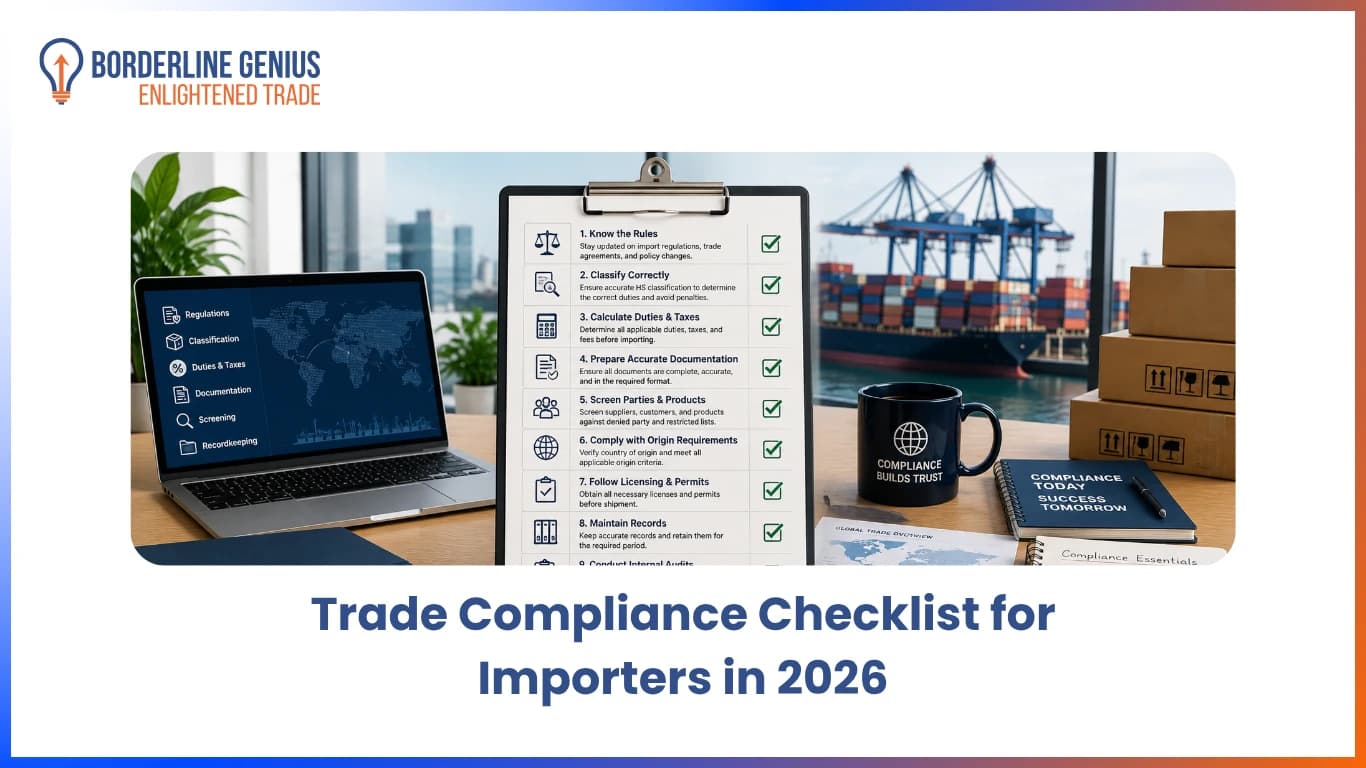
Trade Compliance Checklist for Importers in 2026
Find an essential trade compliance checklist in 2026 to ensure accurate declarations, consistent compliance checks, and timely identification of requirements.
Read article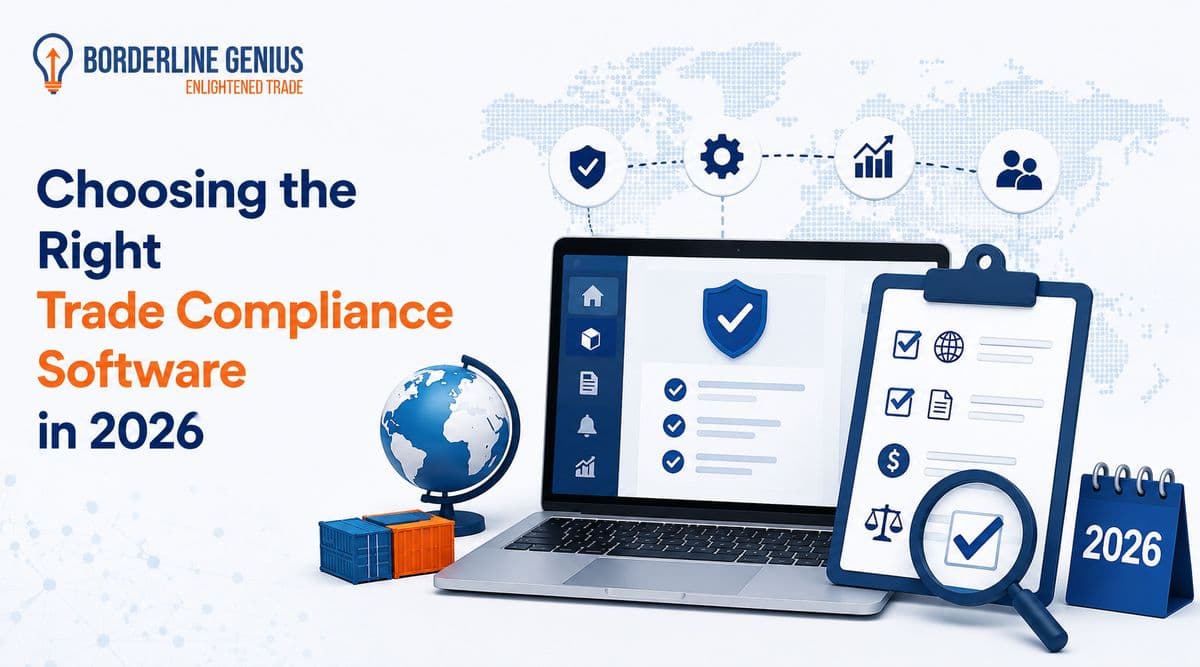 Genius WorkspaceTrade ComplianceAI12 min read
Choosing the Right Trade Compliance Software in 2026
Choose the right trade compliance software in 2026. Compare key features, integrations, evaluation criteria, and best practices to find the right fit.
Read article 19 min read
How to Manage Product Compliance Data at Scale?
Learn how to manage product compliance data at scale, reduce spreadsheet dependency, centralize classifications and requirements, and improve trade compliance.
Read article